
Just got your server?
-
Get it running
Start with the setup guide for your game.
-
Bring your files
Upload a world, mods or configs from the panel or over SFTP.
-
Take a backup
Do it before you change versions or add mods, so you can roll back.
Moving from another host? See what to copy for each game.
Your game
Setup, connecting, mods and fixes for each game.
 Rust
Rust
 Minecraft
 Project Zomboid
 Valheim
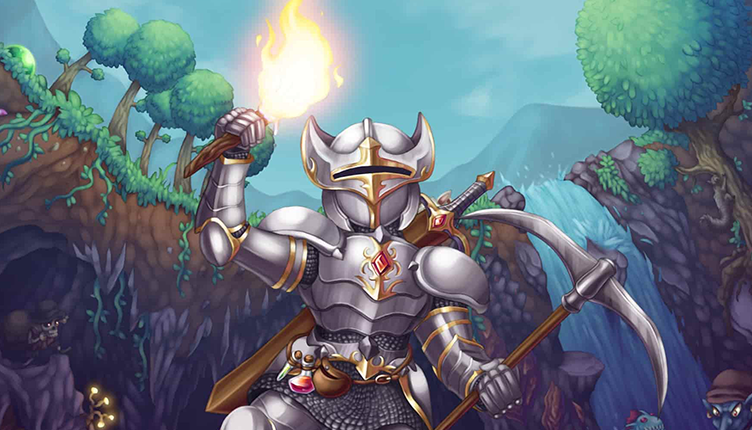 Terraria
 Palworld
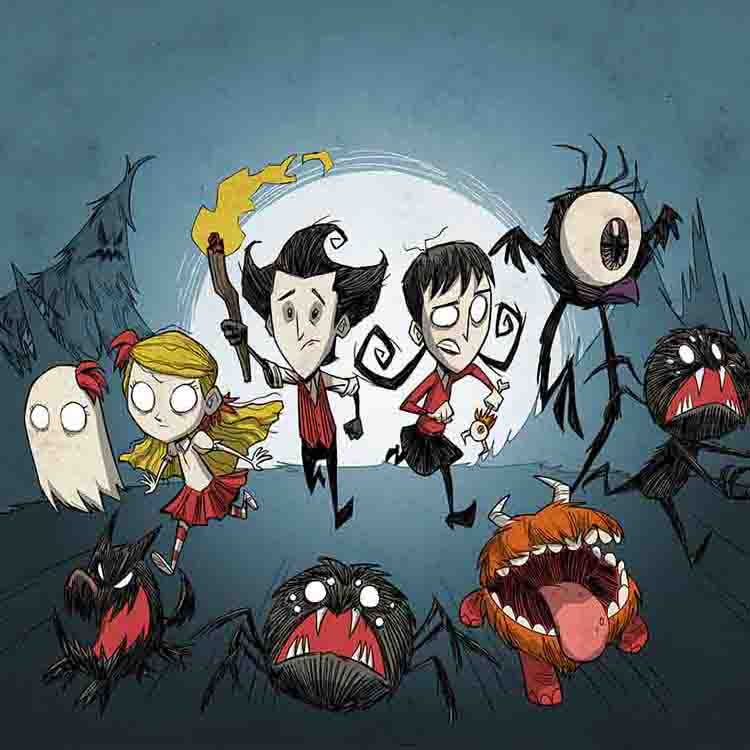 Don't Starve Together
Playing something else? Every game runs on the same panel, so the game panel guides cover files, backups, ports and startup settings for it too.
Panel, account and hosting
How to use the Pterodactyl game panel — file management, console, backups, network, and SFTP.
- Understanding Your Server Resources (RAM, CPU, Disk)
- How to Read Your Server Console and Identify Errors
- Understanding Server Startup Variables
- Migrating Your Server from Another Host to AgilaHost
- How to Upload Files to the Pterodactyl Game Panel
- How to Add Additional Ports
- How to Create and Restore Server Backups
Account and billing
Billing & Payments
- Payment Methods and How to Pay
- Server Renewal, Suspension, and Reactivation
- How to Upgrade or Downgrade Your Server Plan
- Cancellation and Refund Policy
Account & Security
Guides for shared hosting, domains, DNS, SSL certificates, and the HestiaCP control panel.
Popular guides
The most read, across every topic.
- How to Add Resource Packs and Behavior Packs to Your Minecraft Server Minecraft Server Management Do I need to separate resource packs and behavior packs? Yes. Many addon downloads come as a single .mcaddon or zip that contains both an RP and a BP…
- Project Zomboid B42 — Server Fails to Start (Out of Memory) Project Zomboid On Project Zomboid Build 42 (B42), dedicated servers may fail to start with a Java Memory Error during startup.
- Using Cracked (Non-Premium) Minecraft with Your Server Minecraft Server Management Cracked or non-premium Minecraft refers to copies of the game that are not purchased through the official Mojang/Microsoft store.
- How to Install Project Zomboid Build 42 (B42) on Your Server Project Zomboid Project Zomboid Build 42 (B42) is the latest major update from The Indie Stone, released as an opt-in unstable branch on Steam.
- Setting Up Crossplay (Java + Bedrock) with GeyserMC Minecraft Server Management GeyserMC translates Bedrock Edition protocol to Java Edition, allowing Bedrock players (mobile, console, Windows 10) to join your Java server.
- How to Add Mods to Your Project Zomboid Server Project Zomboid Project Zomboid supports Steam Workshop mods on dedicated servers. Mods are downloaded automatically when your server starts.
Still stuck?
Open a ticket from your account and the team answers there. No account yet? Email support@agilahost.com.